
Well, well, well...talking about small programs...
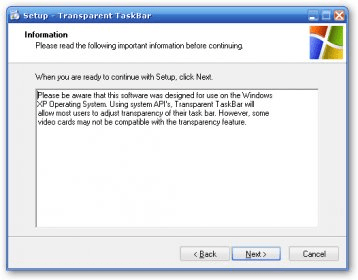
Just now I bumped into a little piece of software that performs a simple task: makes your Windows Taskbar less opaque (or more transparent, if you like).
Using this tiny software is simple, yet you have to pay attention, because there is no user interface at all. Instead, you will see a small, strange rectangle divided into two zones of two different colors:
1) The light-blue zone. Drag the slider with your mouse there, and see how your taskbar dissolves into your desktop! This is really fun.
2) Right-click the gray zone, to display a context menu with some options, including "presets": Opaque, Light, Medium and Heavy.
You can use this gray area too in order to move this little rectangle (simply drag and drop it to the new position).
Besides, I don't know... if you think changing the taskbar opacity is not so much by itself, maybe with this program you can get a few minutes of fun, dragging the light--blue zone...that's up to you!


Comments